Accessing Seminars Web Page
Overview -The Access Seminar function allows the user to access/enroll in seminars from a list and access seminar materials.
Accessing Seminars: Web Page Image(s)
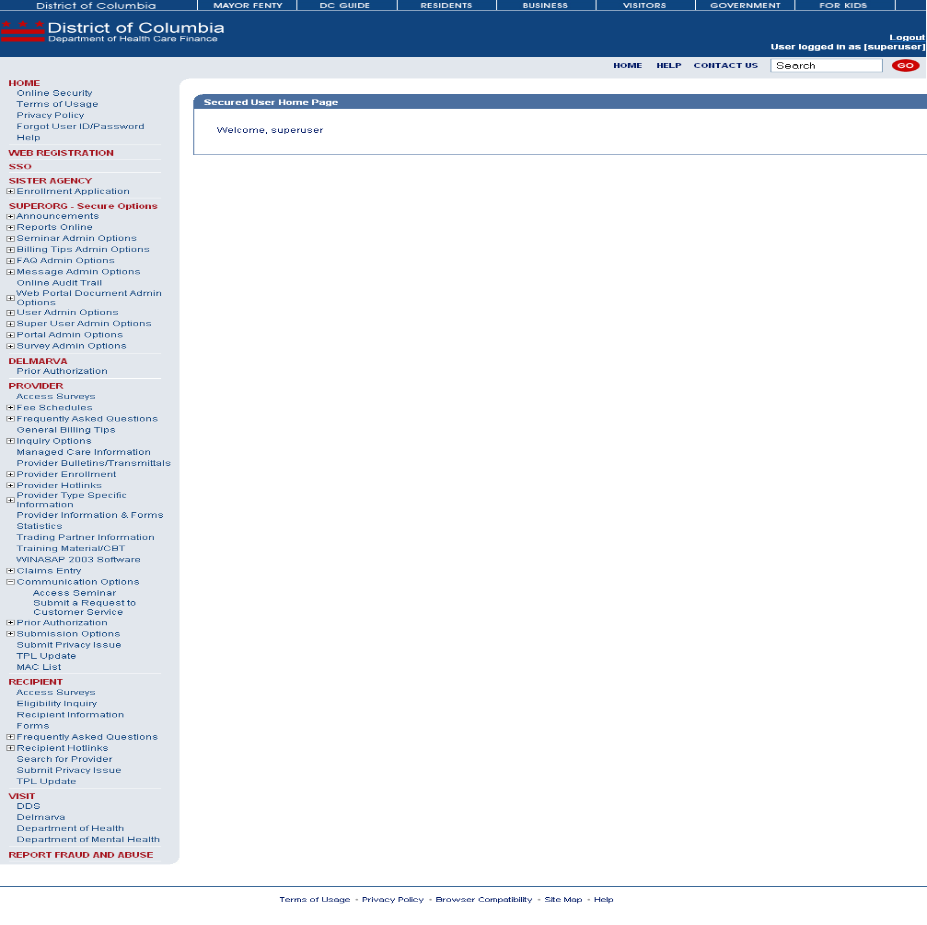
Figure 169: Access Seminars
Accessing Seminars: Web Page Details
- After logging in to the secure Web Portal, on the left side of the Home Page in the navigation bar, the user should click Access Seminars.
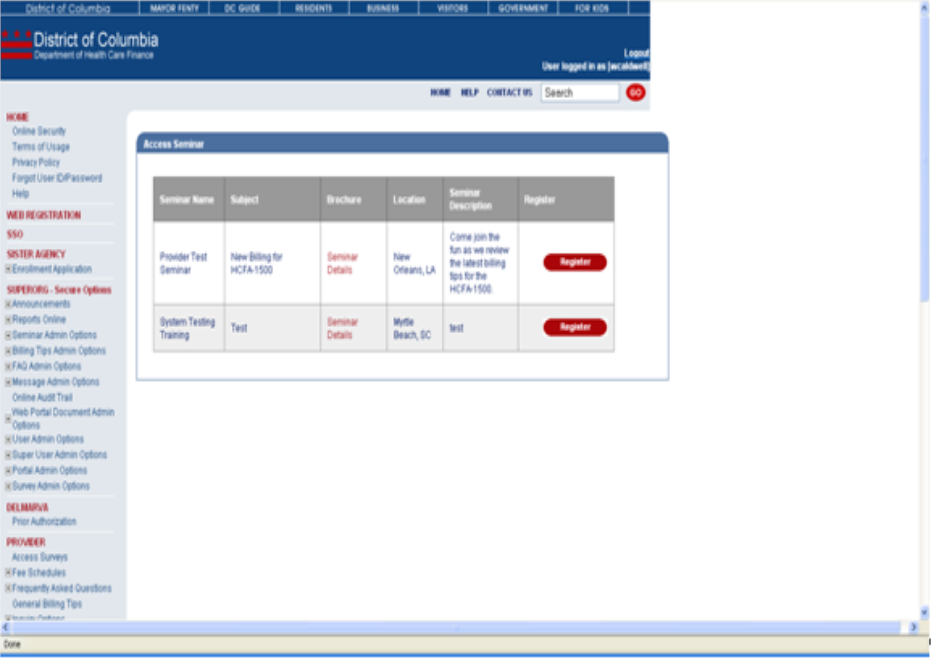
- The user will be taken to the Access Seminars web page.
- The user will click Register button next to the appropriate seminar.
Figure 170: Access Seminars Web Page Image
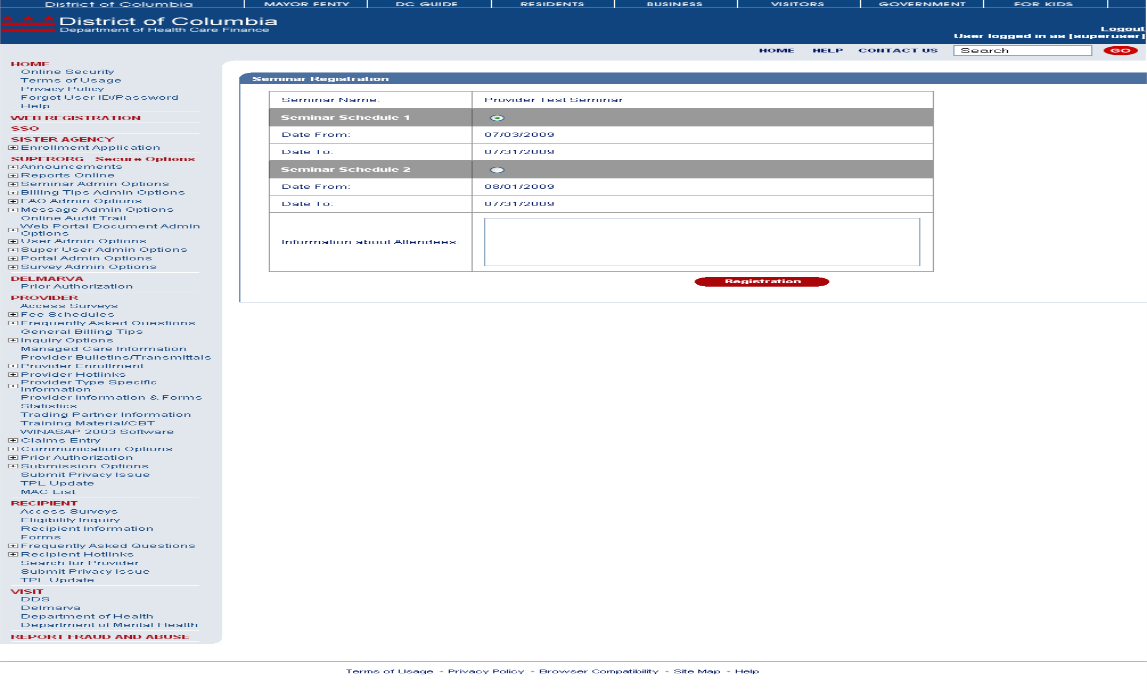
- The Seminar Registration page will be displayed.
Figure 171: Seminar Registration Web Page Image
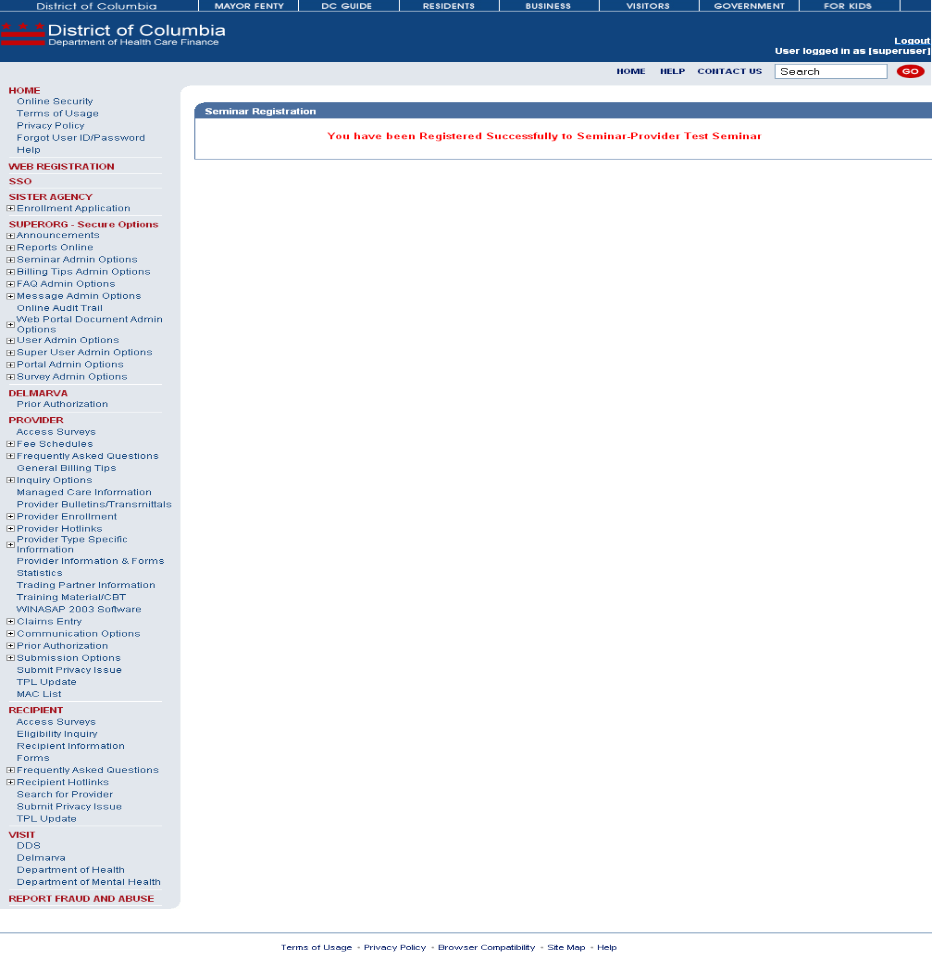
- The Seminar Registration Confirmation page will be displayed.
Figure 4: Seminar Registration Confirmation Web Page Image