Log In to Web Portal Using Mobile Device
Overview – Users may access the Web Portal using any supported mobile device.
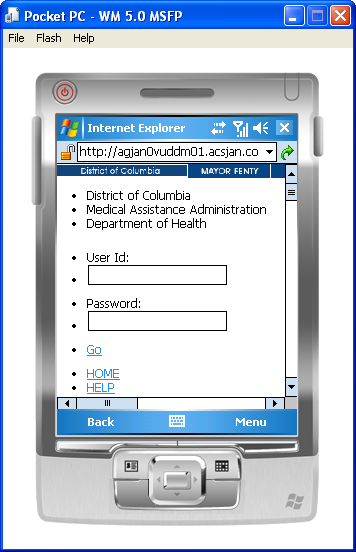
Log Into Web Portal - Mobile Device Image
Figure 2: Log Into Web Portal - Mobile Device Image
Log Into Web Portal - Mobile Device Details
- Enter your User ID and password in the fields on the Home Page.
- Click GO to log in.
- If your login information is correct, you will receive a welcome message.
- If your login information is incorrect, you will receive an error message.