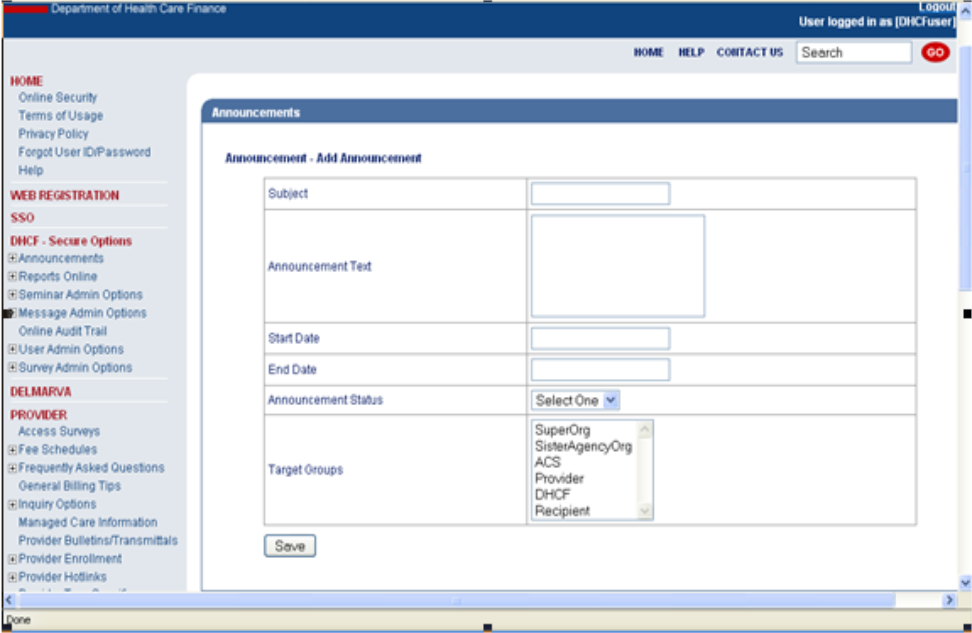
Publish Announcement Web Page
The Publish Announcement function allows a user to submit an announcement which will be received by target groups.
Publish Announcement: Web Page Image(s)
Figure 197: Publish Announcements
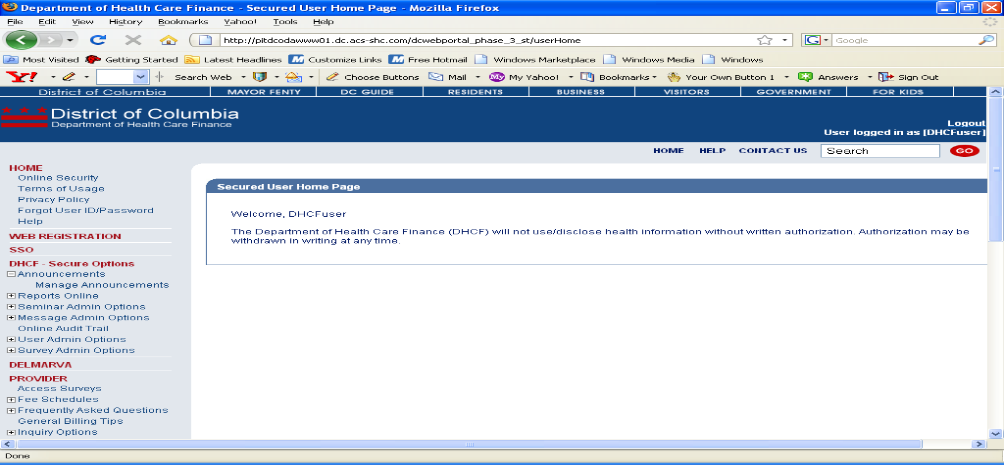
Publish Announcement: Web Page Details
- After logging in to the secure Web Portal, on the left side of the Home Pagein the navigation bar, the user should click Manage Announcements under Announcements.
- The user should click the Add button on the bottom of the Announcements web page.
Figure 198: Publish Announcements
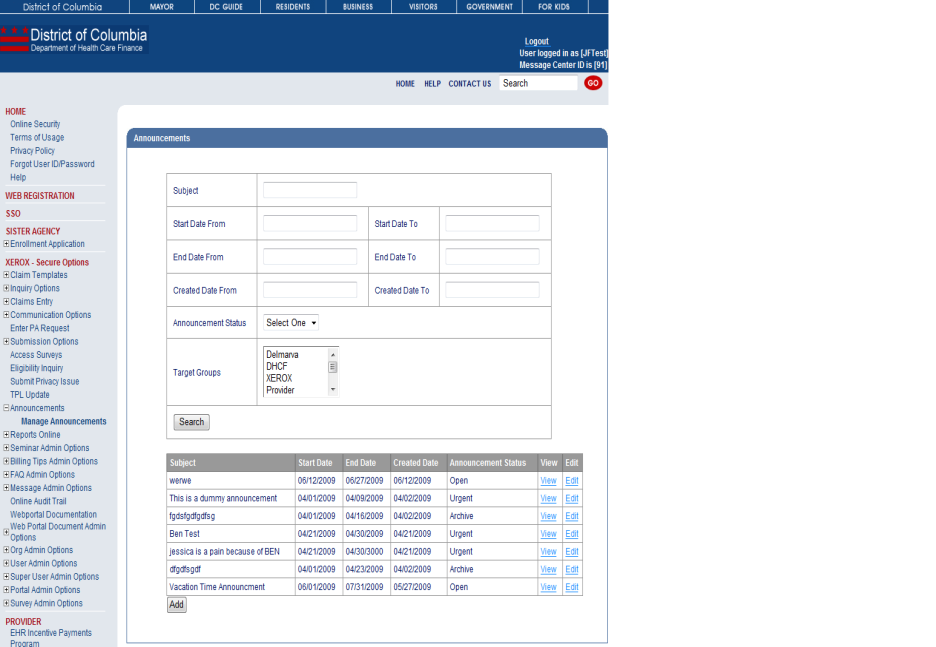
- Complete applicable fields, select Target Group and click the Save button.
Figure 199: Publish Announcements