Requesting an Update to Provider Information
Overview - The Provider Update function allows a provider to update their demographic information by submitting a request through the web portal.
Requesting an Update to Provider Information: Web Page Details
Home Page – Login: Web Page Image
Figure 128: Home Page – Login Web Page Image

- From the Home Page, the provider should log into the web portal with their User ID and password. This will give the provider access to the secure functions.
Figure 129: Provider Update Web Page Image
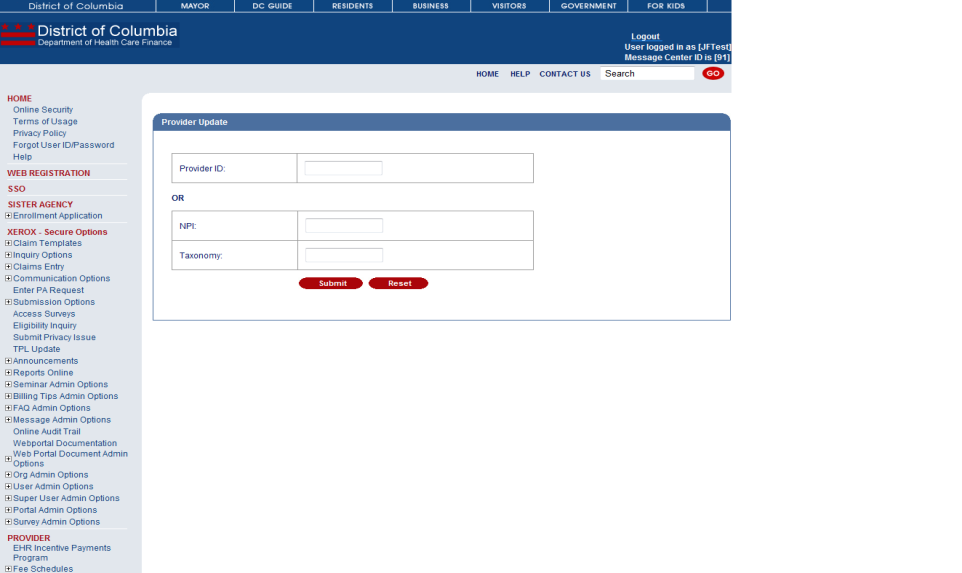
Figure 130: Home Page – Secure Functions Web Page Image

- The provider should click the "+" symbol for Submission Options on the left navigation bar to expand the submission options. Then, the provider should click Provider Update to display the Provider Update web page.
- If the user is a provider, he/she will automatically be identified based on his/her login information. However, if the user is not a provider or is a user with multiple provider IDs, a web page will be displayed so that the user may enter the provider ID he/she wishes to update.
- After entering the Provider ID, the user should click Submit.
- The user should update any information and click Next to display the Provider Update Request Form 1 web page.
Figure 131: Provider Update Request Form 1 Web Page Image

- The user should update any information and click Next to display the Provider Update Request Form 2 web page.
Figure 132: Provider Update Request Form 2 Web Page Image

- The user should update any information and click Next to display the Provider Update Request Form 3 web page.
Figure 133: Provider Update Request Form 3 Web Page Image
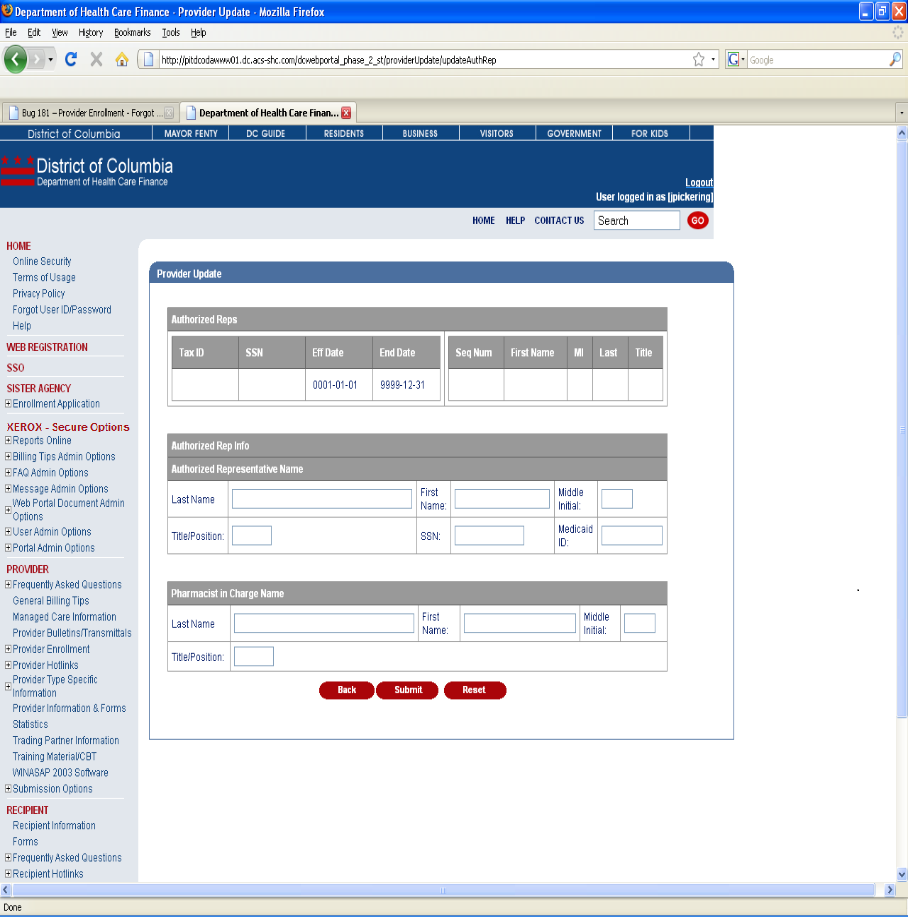
- The user should update any information and click Submit to submit the request to update his/her information. The Web Portal displays the Provider Update Confirmation web page.
Figure 134: Provider Update Confirmation Web Page Image

- The user will receive a success message when the update has been sent to OmniTrack. The user is also given the OmniTrack Correspondence Number for tracking purposes.